Multipify Photo brings together advanced photo editing (calks, masks, RAW, settings, filters) and 111 retouches IA ready for use : erase wrinkles, acne or dark circles, whiten teeth, blur the background, create product photos for Amazon... In one click.
Secure payment by Viva Wallet · Activation key sent immediately by e-mail · Optional IA credits
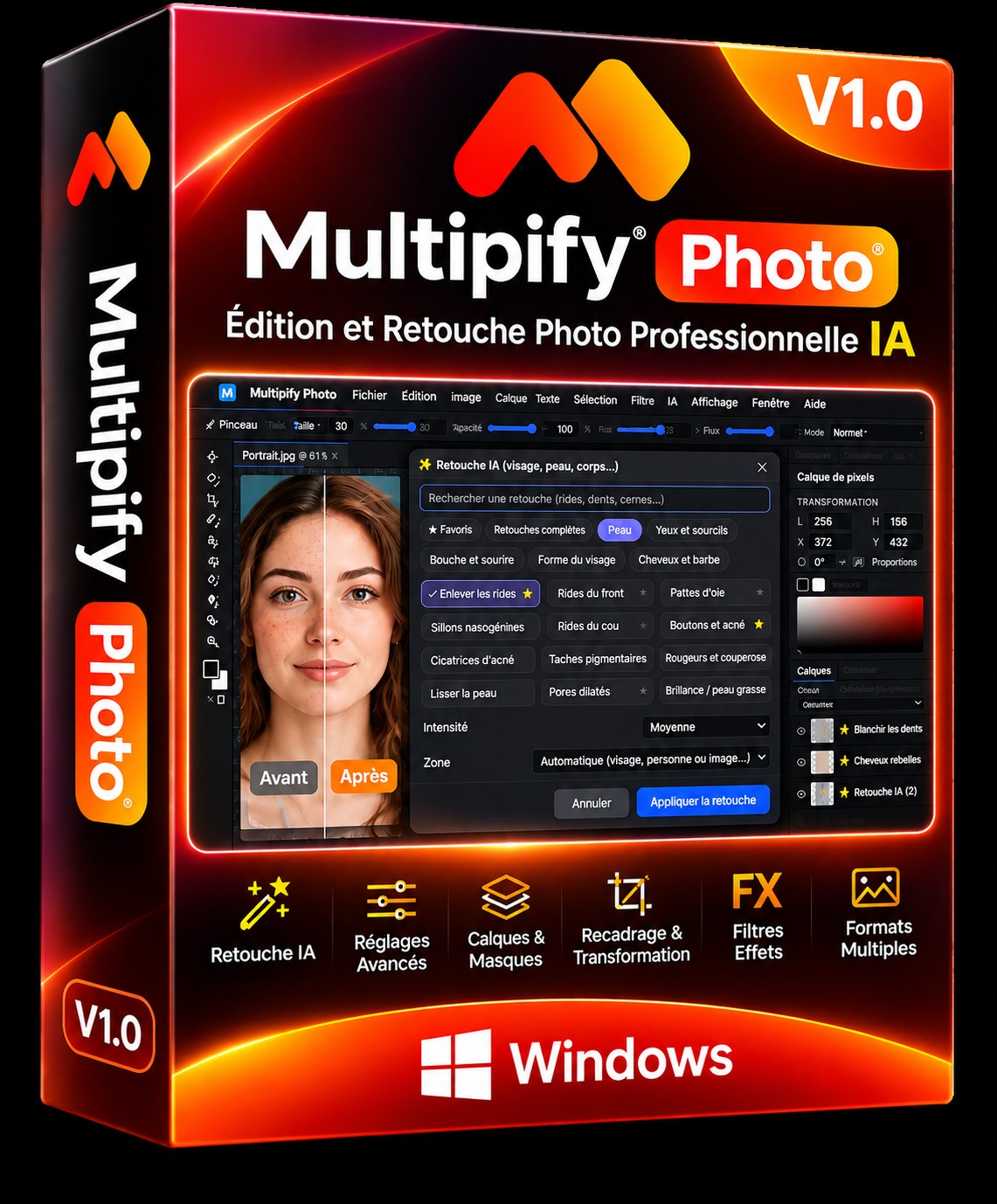
Multipify Photo takes back the tools we expect from professional software, and adds artificial intelligence to it where it really saves time.
Layers, groups, fusion masks, creed masks, dynamic objects, layer styles (shadow, glow, contour, bevel), 27 fusion modes and layer compositions.
Levels, curves, Camera Raw, color balance, shade/saturation, black and white, LUT, layer mixer: everything is available in non-destructive adjustment layers.
Open RAW files (DNG, CR2, NEF, ARW, RAF...), 16 and 32 bit processing, ICC profiles, CMYK and TIFF/PDF export for printing.
Rides, acne, stains, dark circles, teeth, eyes, hair, makeup, silhouette, clothing, light, background: check, adjust intensity, apply.
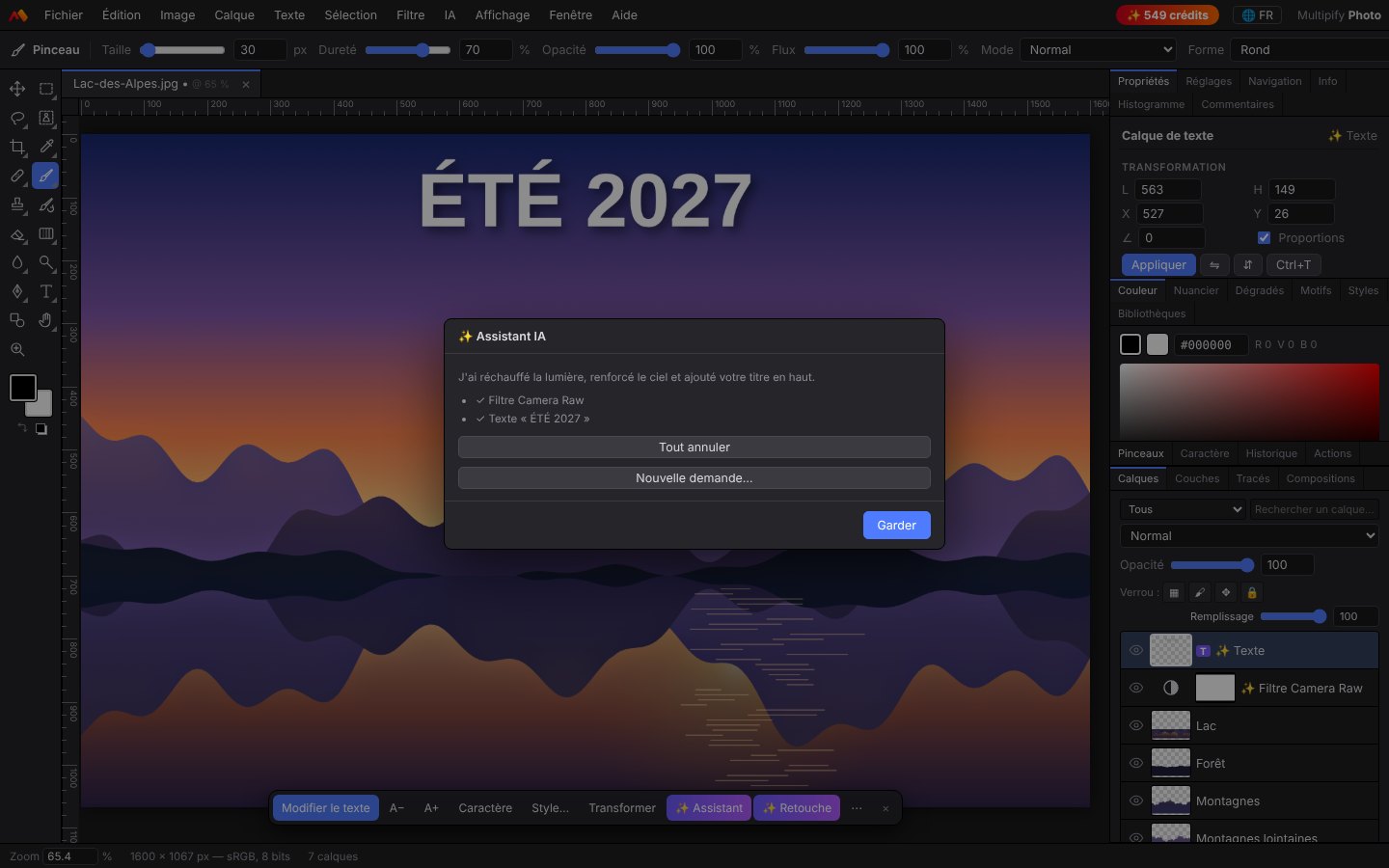
Describe what you want ("warmerer, light winemaking, top title, Instagram format") : the assistant creates settings, text and cropping itself.
Detouring, pure white background, centering and realistic shadow consistent with Amazon, Cdiscount, Fnac, Shopify, Etsy or eBay, including for a whole batch catalog.
Flous (including blurred lens with bokeh), sharpness, noise, distortions, artistic effects, filter gallery and IA neural filters (watercolour, day → night...).
Smart crop that keeps the subject, perspective, deformation, puppet, panorama, automatic alignment of layers.
Text on line, circular text, deformations, text styles, IA slogan writing and translation of an entire poster into another language.
PSD, PNG, JPEG, WebP, TIFF, animated GIF, PDF, HDR, ICO. Export for social networks in one click (9 formats automatically cropped).
Apply IA retouch, detour, product studio, watermark, resize and format to hundreds of photos, without intervention.
French, English, Spanish, German, Italian, Portuguese, Dutch, Polish, Russian, Chinese and Japanese, changeable at any time.
Open the panel Retouch IA, check one or more retouches, choose intensity (subtile, medium or strong): Multipify Photo automatically identifies faces, only sends the useful area to AI and places the result on a new layer, which you can dose, hide or compare before/after.
A retouch IA = 2 appropriations. Several retouches checked leave in one passage (one flow). No OpenAI keys to configure: everything goes through the Multipify secure service.
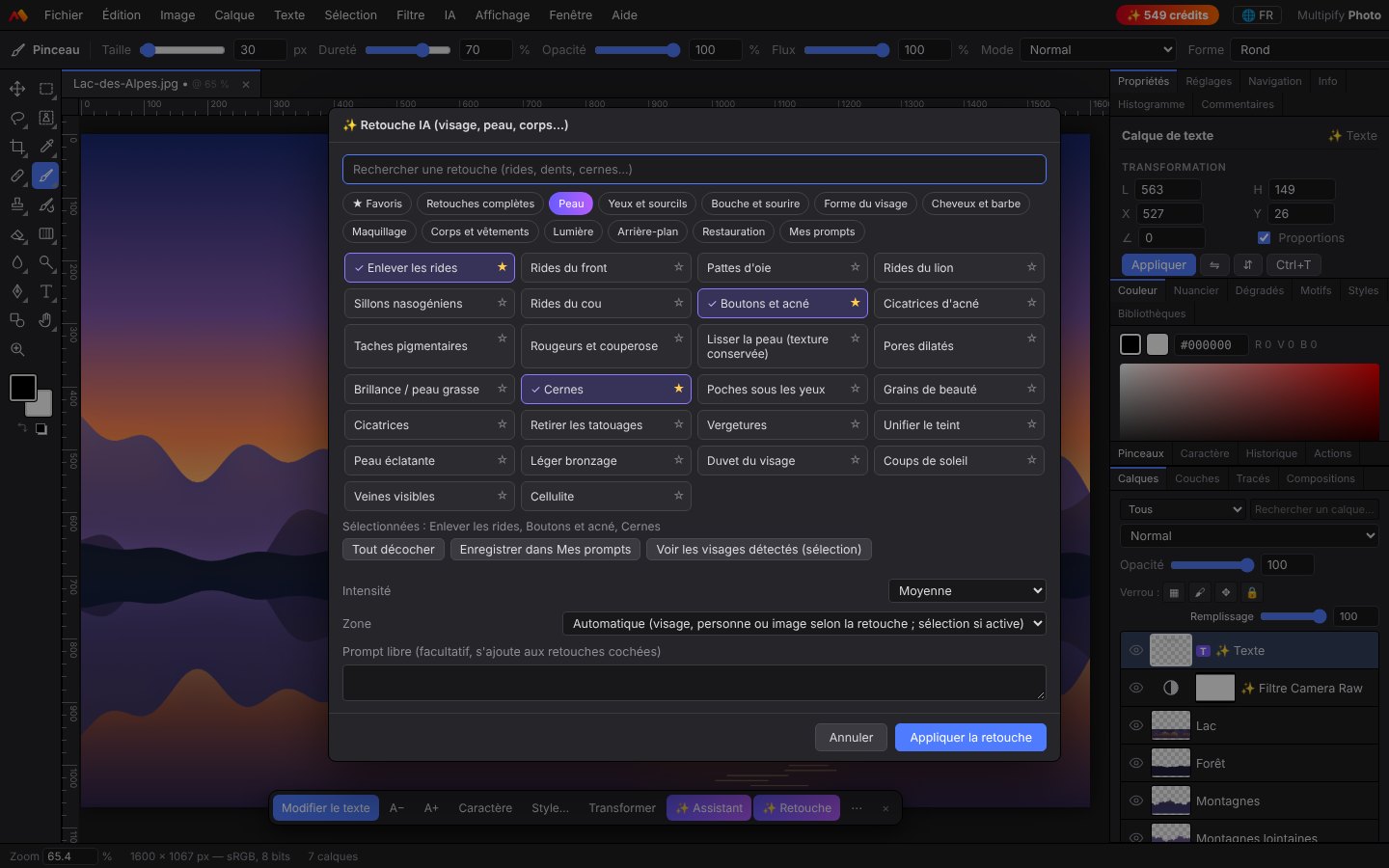
A dark and clear interface at the same time, thought to work fast. Click to enlarge.
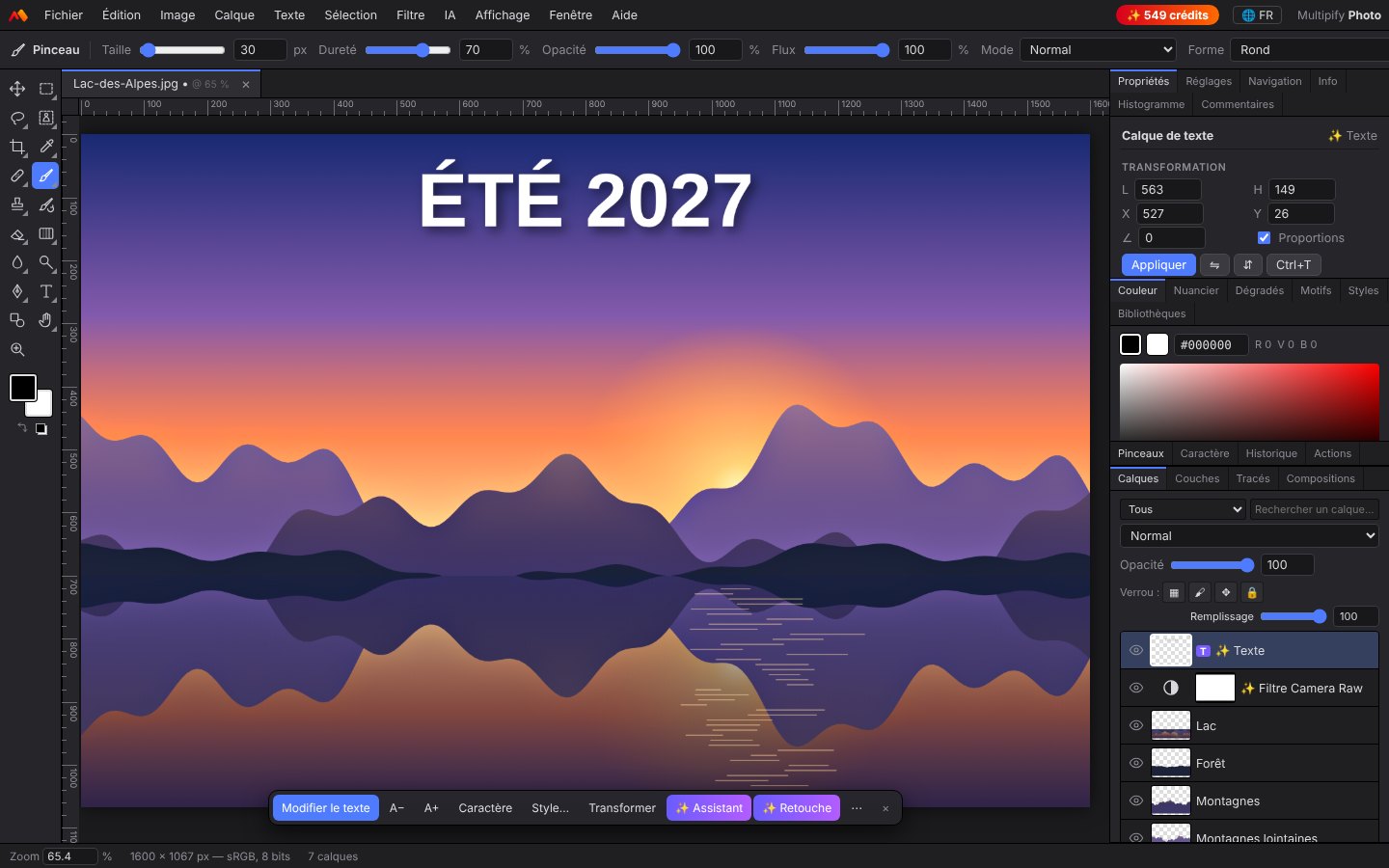
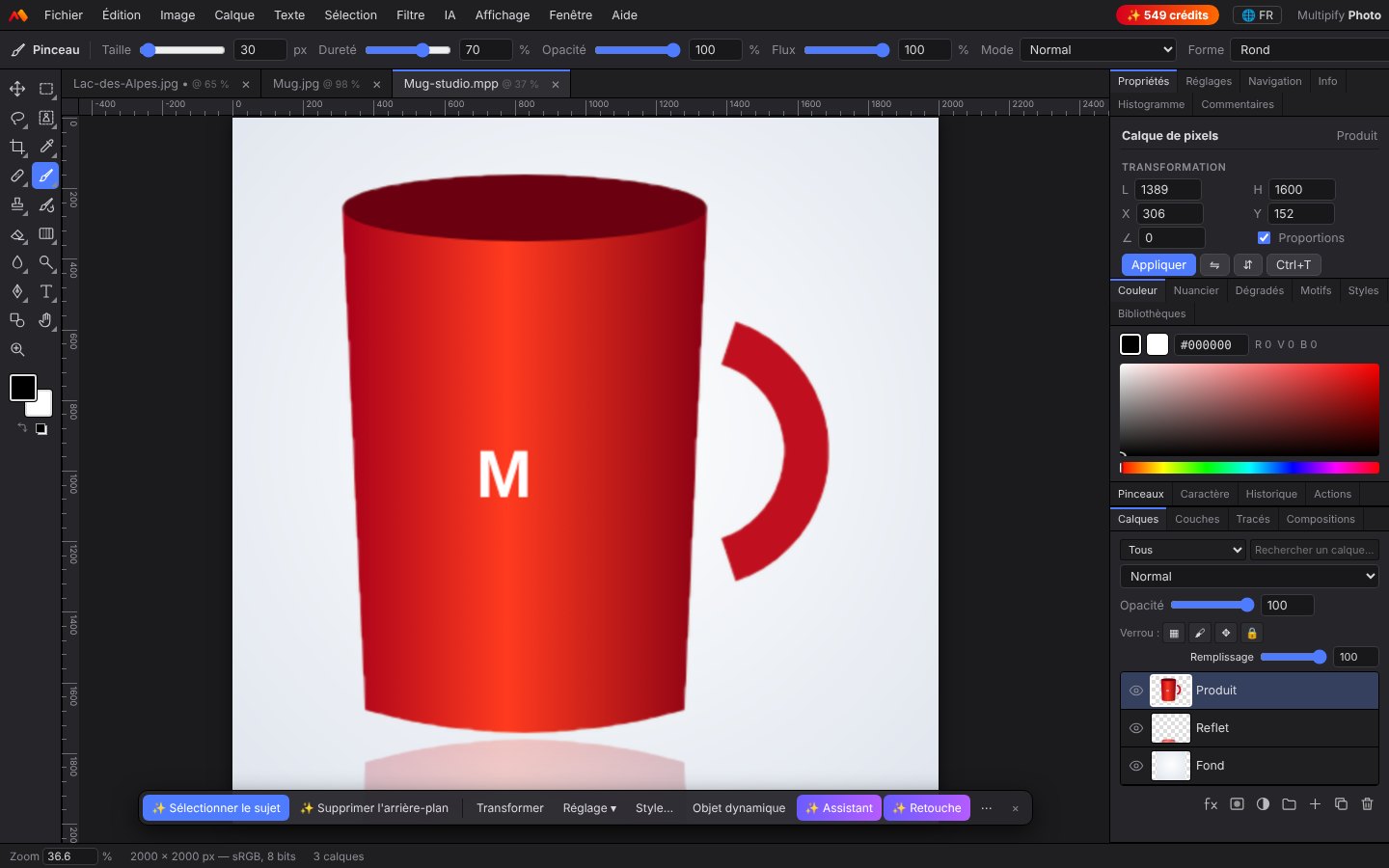
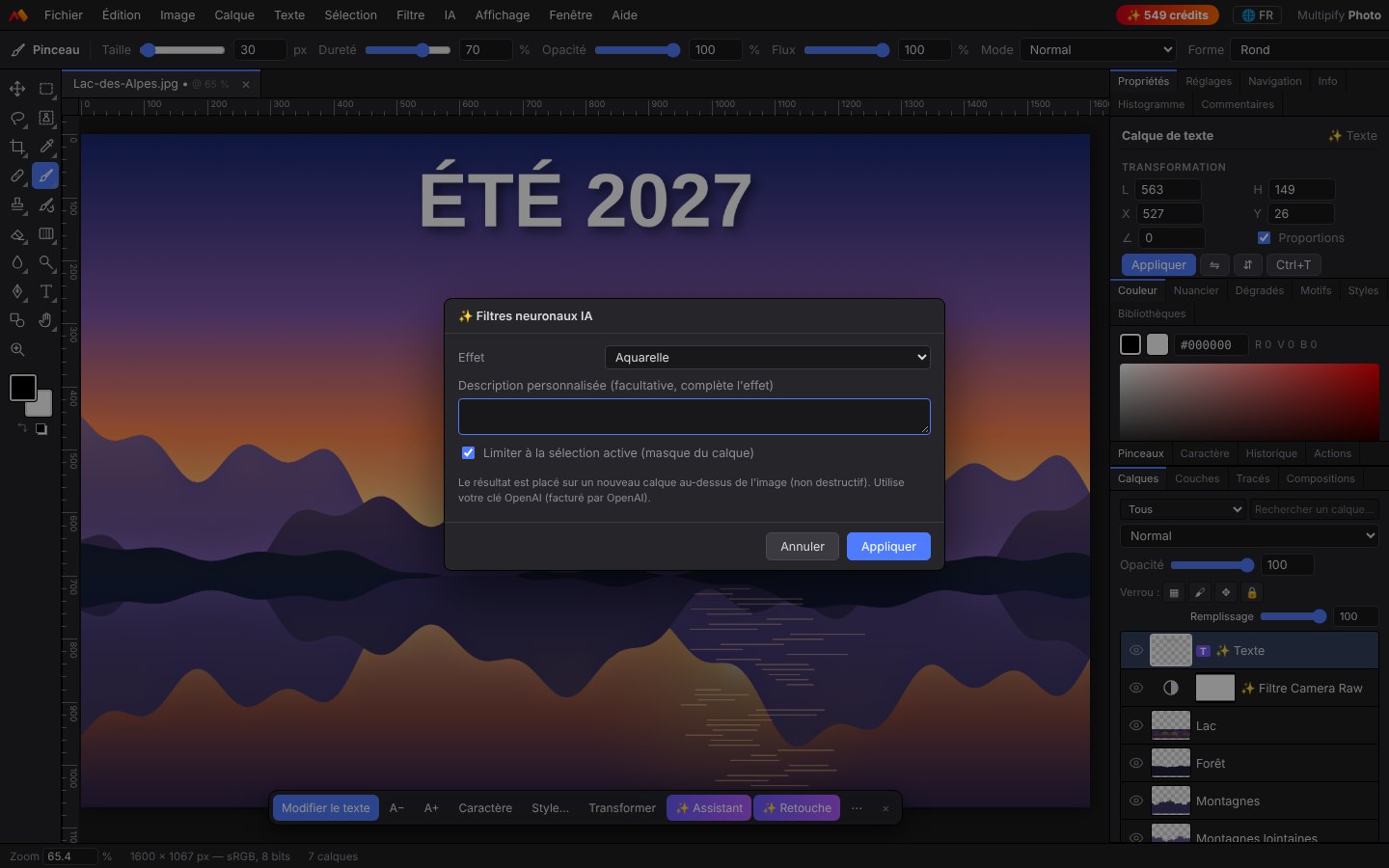
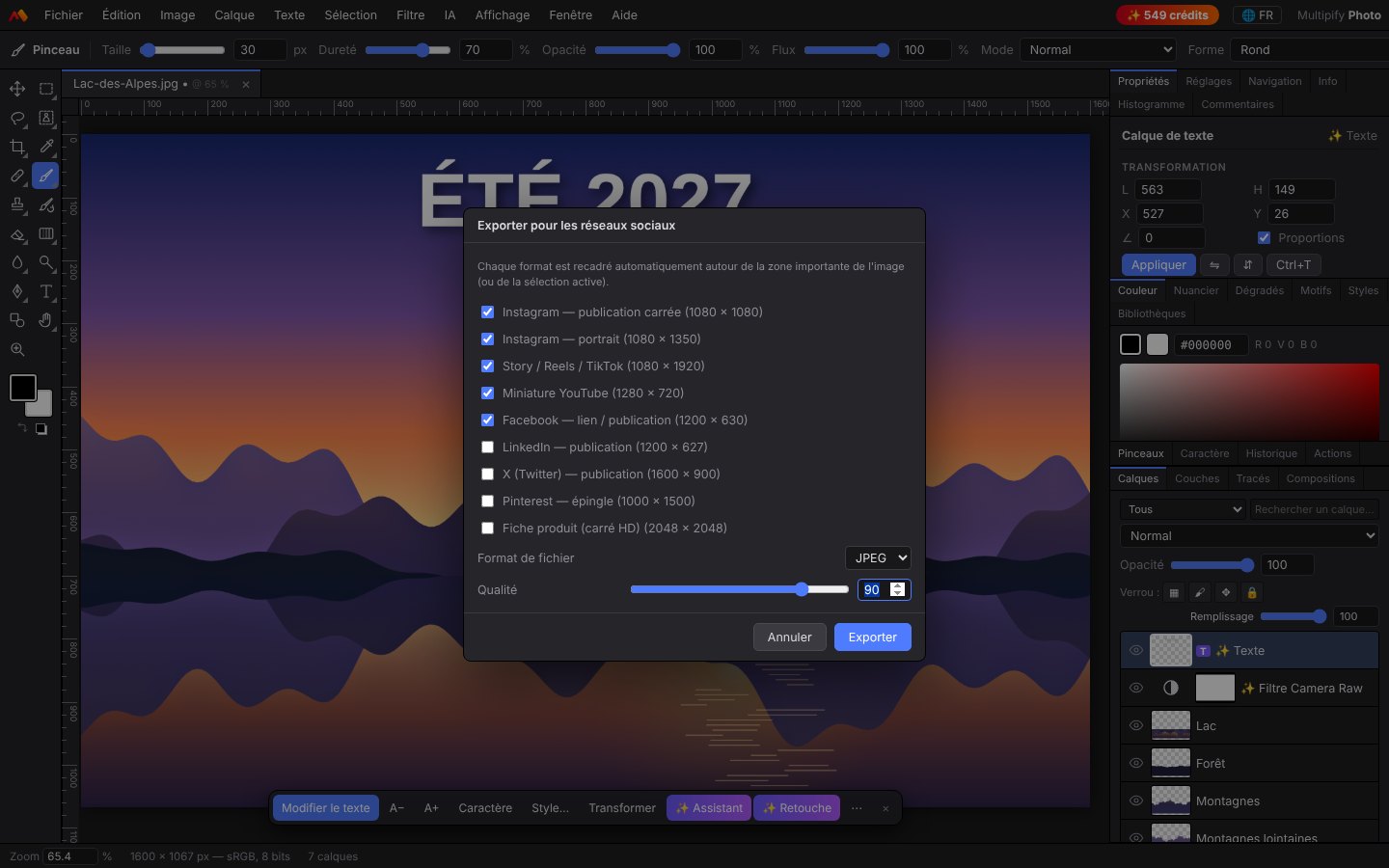
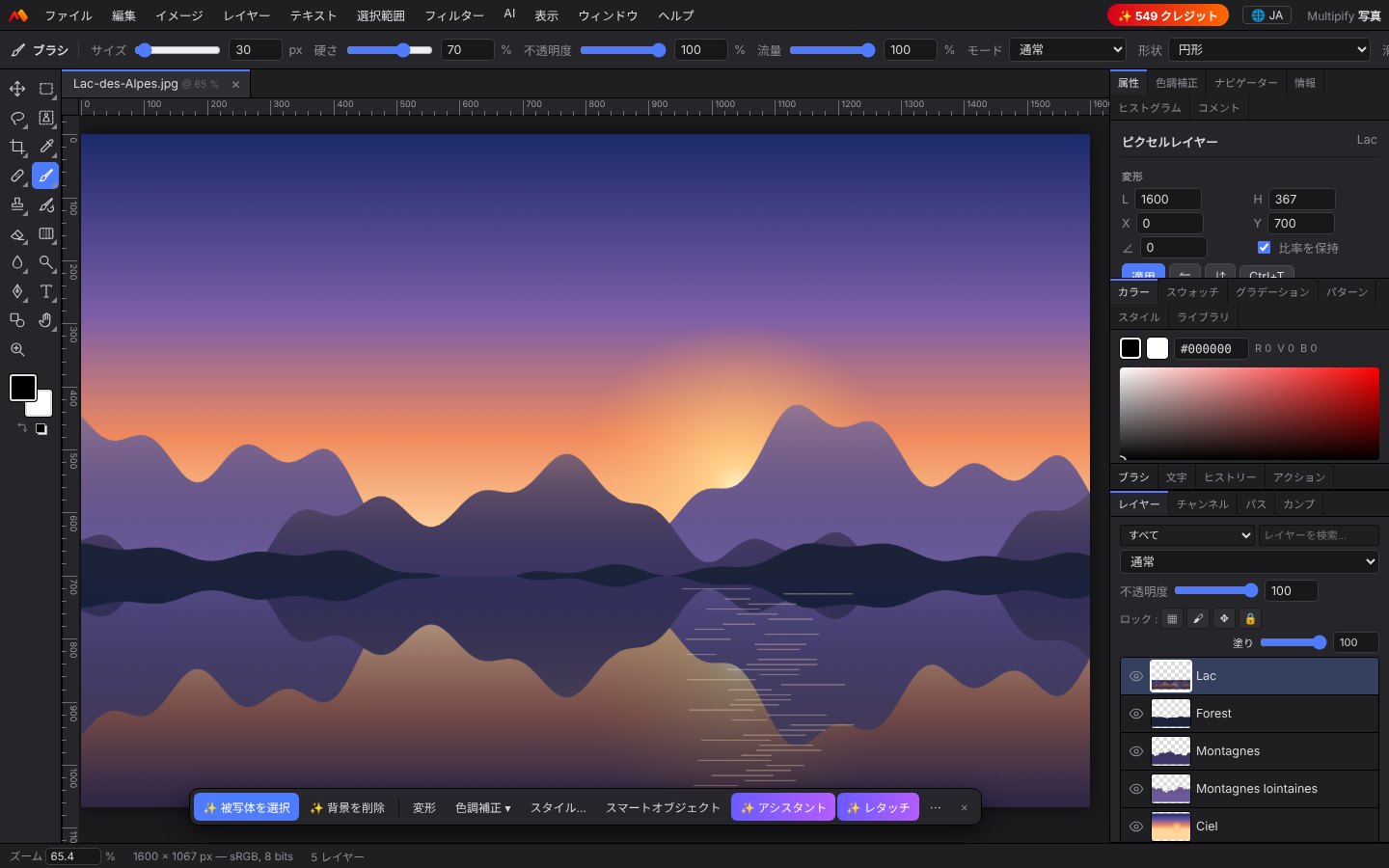
The software detects the language of your computer at the first launch. You can change it at any time with the .
A complete editor for photographers, online vendors, community managers and creators.
Multipify Photo is a complete image editor that installs on your Windows or Mac computer. You work with layers, groups, mashes of fusion and clasping, dynamic objects and layer styles, exactly as in professional retouching software. The settings (levels, curves, Camera Raw, tint/saturation, LUT...) are non-destructive: you can come back to it at any time.
The 111 AI retouches are written to preserve identity, expression, skin grain and original light. The software detects faces and only changes the useful area; the result is always placed on a separate layer, with a soft mask: you keep control, you dose the effect and you compare before/after a shortcut.
Simply write your request in your language: "make the photo brighter and warmer", "grained movie look", "adds SALES -50% on top, white and fat", "in Instagram format". The wizard creates setting layers, text and cropping, and everything is canceled with one click.
The photo studio produces detours of your items, the center to the right size on a pure white background according to Amazon, Cdiscount, Fnac/Darty, Shopify, WooCommerce, Etsy or eBay, and adds a contact shadow or reflection. Batch processing applies the same to your entire catalog, with watermark and export in the right format.
Open the RAW files of the main devices, work in 16 or 32 bits, manage ICC profiles, test CMYK before printing and export in TIFF or PDF with cutting strokes and lost bottom.
Circular text, text on plot, deformations, collages, QR codes, application icons and favicons, color palettes, watermarks, and export in one click for Instagram, Stories, YouTube, Facebook, LinkedIn, X and Pinterest, each format being intelligently framed around the topic.
All editing is done on your computer. Only IA functions send the affected area to Multipify's secure IA service, only when you launch them. Localization metadata is never exported.
During your subscription, all updates are included: the software warns you when a new version is available, and your key like your IA credits are retained.
The subscription gives access to all the software. IA credits are optional: you only pay AI if you use it.
Credits are attached to your key: if you change your computer, they follow you. Assistant IA = 1 credit per request · image generation = 2 appropriations.
Install the software, then activate it with your key, or enjoy the free trial of 3 jours.
Install Multipify Photo on your PC or Mac.
Secure payment Viva Wallet, key sent immediately by e-mail.
Paste the key on startup: it's ready. A key = a computer.
From the software or this page: they arrive on your PC on their own.
Recommended configuration: Windows 10/11 64 bits or macOS 12 or more, 8 GB of memory, Internet connection for IA activation and functions.
All the software and its updates, for a computer. IA functions use credits purchased separately (100 credits for € 10, 550 credits for € 50). Without credit, all the rest of the software works normally.
A photo editor IA costs 2 credits, regardless of the number of retouches checked at the same time: with 100 credits, you make 50 retouches. If the AI service fails, the credits are automatically re-credited.
A key works on one computer at a time. If you activate it on a new computer, the old one is automatically disabled: it's convenient to change PCs. To use two computers simultaneously, take two subscriptions.
In the software, click on the credit badge at the top right, or buy them on this page with your activation key. As soon as payment is validated, credits are added automatically to the computer where your key is enabled.
No. IA functions go through Multipify's secure service and use your credits. Advanced users can, if they wish, use their own OpenAI key in the IA settings.
The subscription is without commitment: write to support (support@multipify.eu) to stop sampling. The software remains usable until the end of the paid period and your remaining IA credits are kept on your key.
You receive an email with a link to pay with another card, and we automatically try again. After a few days of delay, the software blocks until payment; He then unlocks himself with the same key.
Right-click Multipify Photo in the Applications folder and choose "Open". This step is only necessary once.
No, editing is done on your computer. Only the AI functions you run send the image area concerned to the IA service, the processing time.
4,99 € per month, automatically collected by Viva Wallet. No commitment.
You will be redirected to Viva Wallet.
Credits are automatically added to your license, on the computer where it is enabled.
No key yet? Subscribe first.
 Multipify